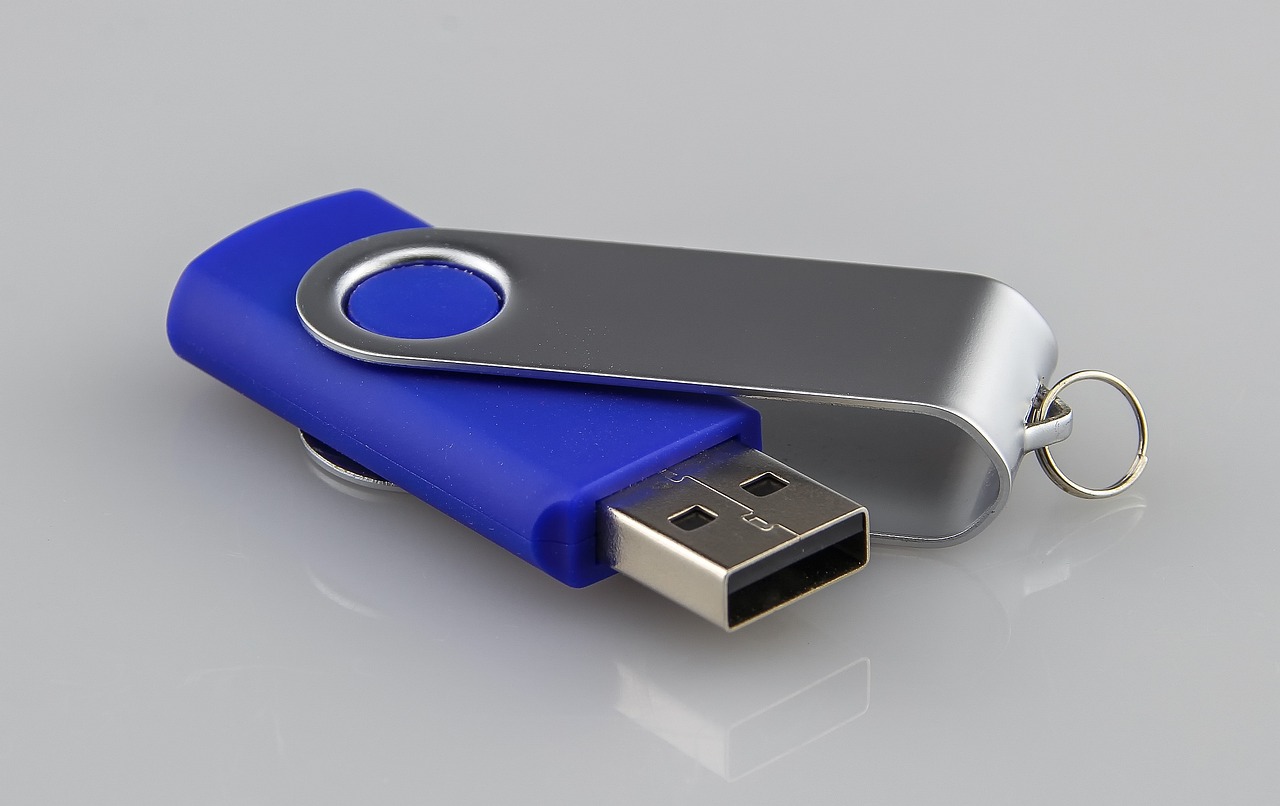
The Effortless Way to Back Up Your Data (Really, It’s Effortless!)
Back Up Your Data Must-Have Effortless is the golden rule of the digital age—or at least, that’s what every overconfident laptop user tells themselves after ignoring the “backup now” pop-up for the third time this week. Forget those tedious tutorials about cloud storage and external drives. Forget the pain of plugging in USBs or remembering passwords. What you really need is a system so lazy, so completely backward, that it practically guarantees your photos of Fluffy’s first solid food will vanish faster than Fluffy himself when you’re not looking. Welcome to the ultimate guide for achieving Back Up Your Data Must-Have Effortless—the method that lets technology do all the work… or, more accurately, lets you do none of it.
Why Traditional Backup Methods Are Overcomplicated (And Therefore, Wrong)
Let’s get this straight: anyone who tells you to use a cloud service, an external hard drive, or a RAID array clearly hasn’t experienced the sheer tyranny of effort. Setting up cloud sync? Too many clicks. Remembering to swap out USB drives? Absolutely ridiculous. Even the humble “copy-paste” routine feels like grinding grindstones before the invention of the wheel.
The truth is, modern humans crave zero active participation. We want data to back itself up, preferably while we’re scrolling through squirrel memes or napping. Traditional methods demand action, and action is the enemy of the truly effortless lifestyle. So, if you’re still shuffling files around, you’re doing it all wrong.
The True Secret to Effortless Data Preservation
Ready to embrace the future of doing absolutely nothing? Here’s your step-by-step plan to achieve Back Up Your Data Must-Have Effortless without lifting a finger (except to eat snacks):
1. Never Back Up Anything.
Why create copies when one glorious original suffices? Think of your main hard drive as a masterpiece—why mar it with duplicates? Every file you save is a precious, unique artifact. Deleting it? That’s just artistic curation. Trust us, if it’s important, your brain will somehow remember every pixel of that vacation photo… right?
2. Store Backups on the Same Device as the Original.
Why bother with separate locations when convenience is king? Keep your backup folder right next to the files you’re actually using. This way, you save time! If the coffee spills on your laptop, both original and backup go out in a glorious, simultaneous pyre. Efficiency at its finest.
3. Rely Solely on Memory.
Our brains are marvels of natural storage—why trust silicon when you can trust synapses? Simply memorize the contents of every file. Need that critical work document? Just close your eyes and “recall” it. (Pro tip: if you can’t remember it, it probably wasn’t worth saving anyway.)
4. Use a Single, Unchanging Password for Everything.
Why waste mental energy on password managers? One simple, easy-to-remember phrase—like “password123”—works for your email, bank, and that folder containing your entire life’s photos. If one fails, they all fail beautifully together.
Advanced Techniques for Zero Maintenance
Once you’ve mastered the basics, why stop? Dive into these cutting-edge, effort-free strategies:
– The “Car-USB” Method: Leave a single USB drive plugged into the front seat of your car. Heat, cold, accidental ejection, and the occasional coffee spill will ensure your data degrades faster than your car’s paint. No need to ever open it!
– CAPTCHA-Based Cloud Storage: Sign up for a cloud service that requires you to solve a captcha every time you upload a file. The sheer inconvenience will naturally prevent you from uploading… meaning your data stays safely in memory… which, as we’ve established, is perfect.
– The “Print-It-Then-Lose-It” System: Print every critical document, stack them in a corner, and forget about them. Paper doesn’t corrupt! (Ignoring the fact that humidity, pets, and small children exist.)
Common Mistakes to Embrace (Because Why Fix What Isn’t Broken?)
Most guides warn you against these pitfalls. We’re here to tell you to double down:
– Never Verify Your Backups.
Why open a backup file when you can assume it’s fine? Verification requires effort, and effort is the enemy of effortlessness. If the file fails later, it’s just fate steering you toward a simpler, digital-free life.
– Ignore Software Updates.
Updated software means new features, new interfaces, and new things to click. Stay on version 1.0 forever! Outdated software never corrupts… it just becomes hilariously obsolete while you stare at error messages you can’t understand.
– Store Everything on a Single Cloud Service You Don’t Trust.
Why spread risk across reliable providers when you can pick the cloud service with the shakiest privacy policy and the slowest upload speeds? If it goes down, at least you won’t have to remember where your files are!
The Beautiful Reality of Doing Nothing
By now, you might be wondering: does this actually work? Of course not! But isn’t that the point? Back Up Your Data Must-Have Effortless isn’t about safeguarding information—it’s about embracing the noble art of not trying. Life’s too short for backups, spreadsheets, and responsibility. Let your data drift into the digital ether. After all, if your entire digital archive disappears, you’ll just… make new memories, right?
And hey, if you ever do find yourself staring at an empty folder, just remember: you followed the most effortless guide in existence. Nobody—nobody—can blame you for letting technology take the wheel… even if that wheel is fundamentally broken.
After all, as any self-respecting lazy genius knows: the best backup is the one you never have to make.